UX/UI
Case study
Plan the day& ship the backlog
TeamDay is an HRM and project-management platform built around a team's working day: plan today's tasks, pull work from a structured backlog, track estimate against actual time, and share start- and end-of-day updates straight to Microsoft Teams.
- Role
- Research · End-to-end design
- Platform
- Web app
- Scope
- Plan, backlog, time
- Tools
- Figma
Project Overview
TeamDay helps teams run their workday in one place — daily task plans, project backlogs, stories and sprints, time tracking, attendance and check-ins — instead of juggling a task tool, a timesheet and a chat thread.
My role
I researched and designed the end-to-end flows for daily tasks, the project backlog, stories, sprints and time tracking, along with Microsoft Teams alerts — from early concepts to the shipped product.
- 3Planning levels: board → story → task
- 4Time stats on the home screen
- 2Daily check-ins: SOD & EOD
- 1Microsoft Teams integration
Problem Statement
Researching how the team actually worked showed the day was spread across tools and messages:
- Plans, tasks and time live in different tools, so nobody sees the whole day
- Stand-ups and status messages are typed out again by hand every morning and evening
- Estimates are never compared with the time actually spent
- Unfinished work quietly disappears instead of carrying forward
- Blocked tasks surface late, after a day is already lost
- Leads can't see what each member worked on across a sprint without asking
The solution
Design Goals
One home for the day
Open the app and see today's tasks, estimates, actual time and breaks at a glance.
Plan from the backlog
Boards, stories and tasks give every project a clear structure to pull work from.
Time that tells the truth
Every task carries an estimate (E) and actual time (A), with logs behind it.
Updates without typing
Start- and end-of-day check-ins are built from real work, with alerts in Microsoft Teams.
From sign-in to sign-off
A Day in TeamDay
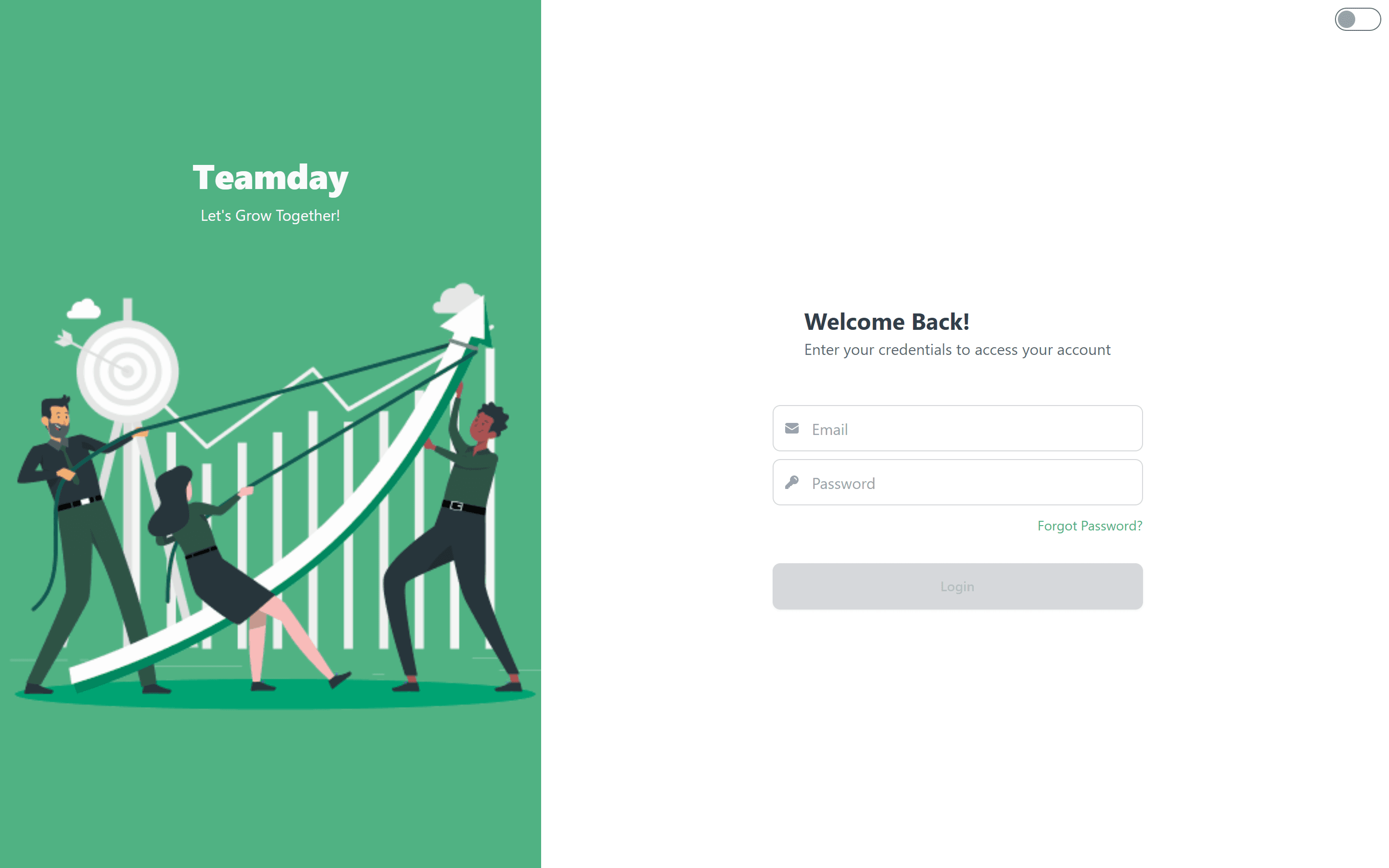
- 1Sign inPick organisation
- 2Plan the dayToday's tasks
- 3Post SODStart-of-day status
- 4Work & trackEstimate vs actual
- 5Take breaksBreak timer
- 6End of DayPost EOD
- 7Team updatedMicrosoft Teams
Inside the product
Key Features
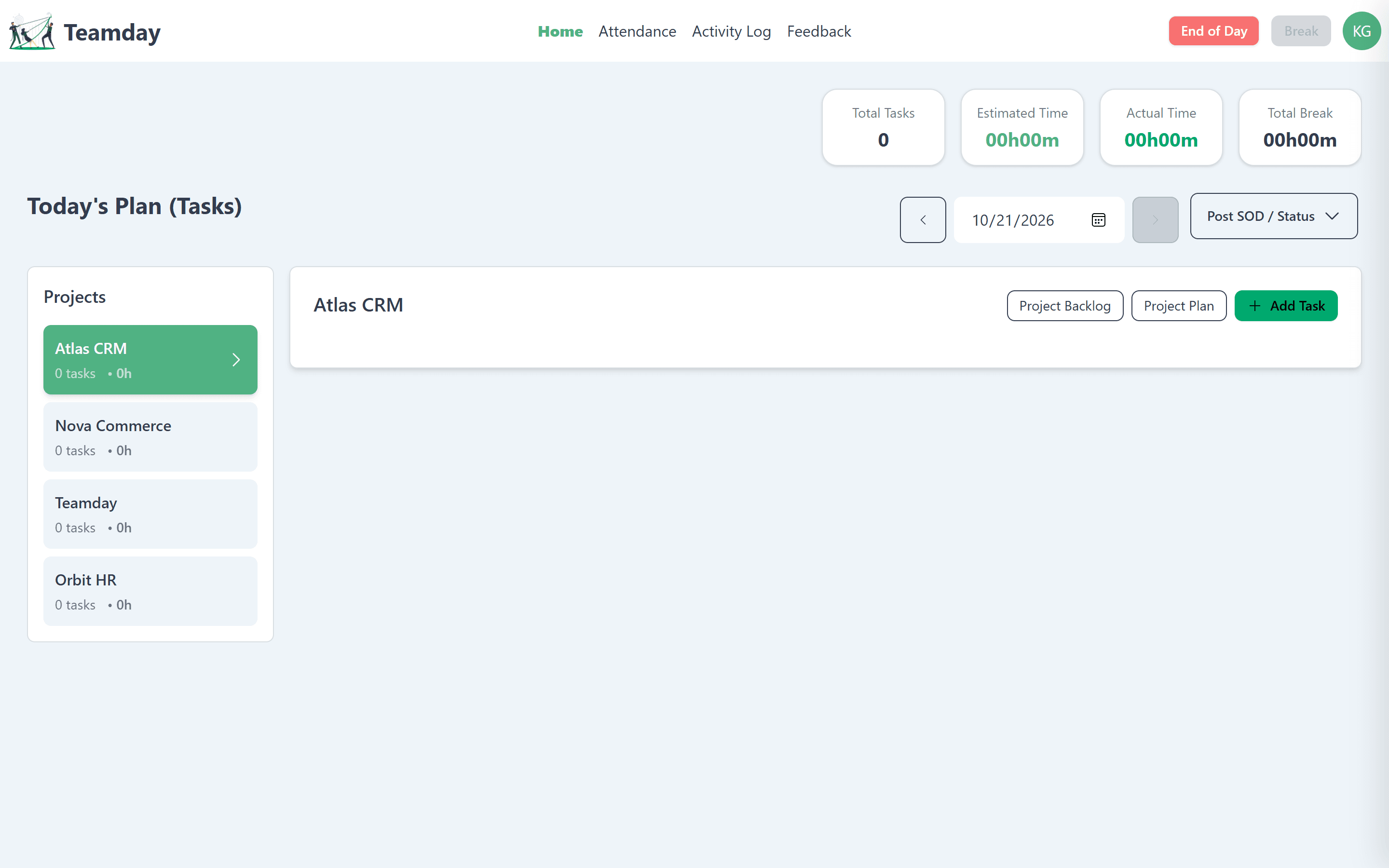
Today's plan, at a glance
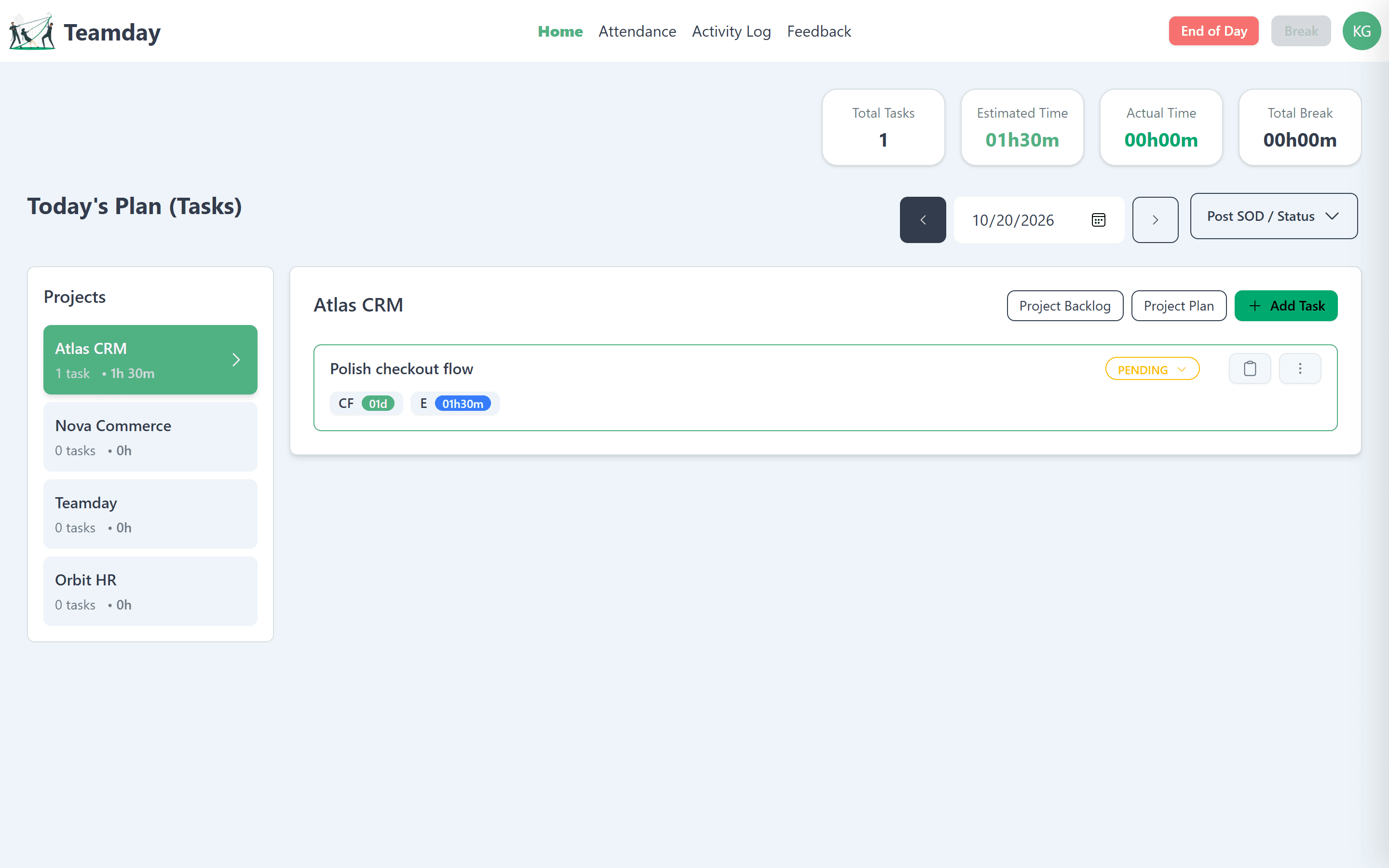
Home answers one question: what am I doing today? Tasks are grouped by project, the day's numbers sit up top, and unfinished work arrives already tagged as carried forward.
- Total tasks, estimated, actual and break time
- Projects rail with task count and hours each
- Carried-forward (CF) and estimate (E) chips on every task
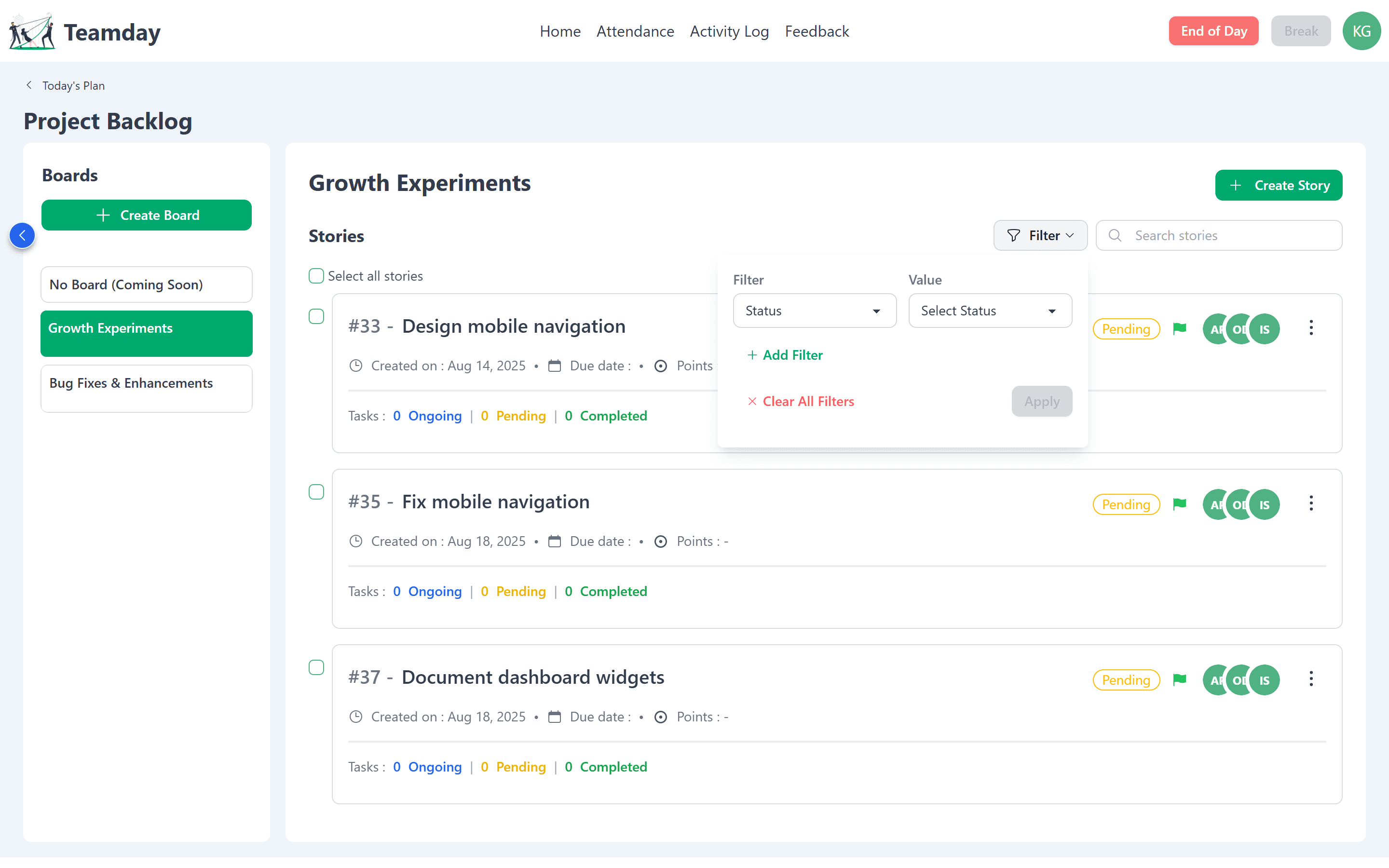
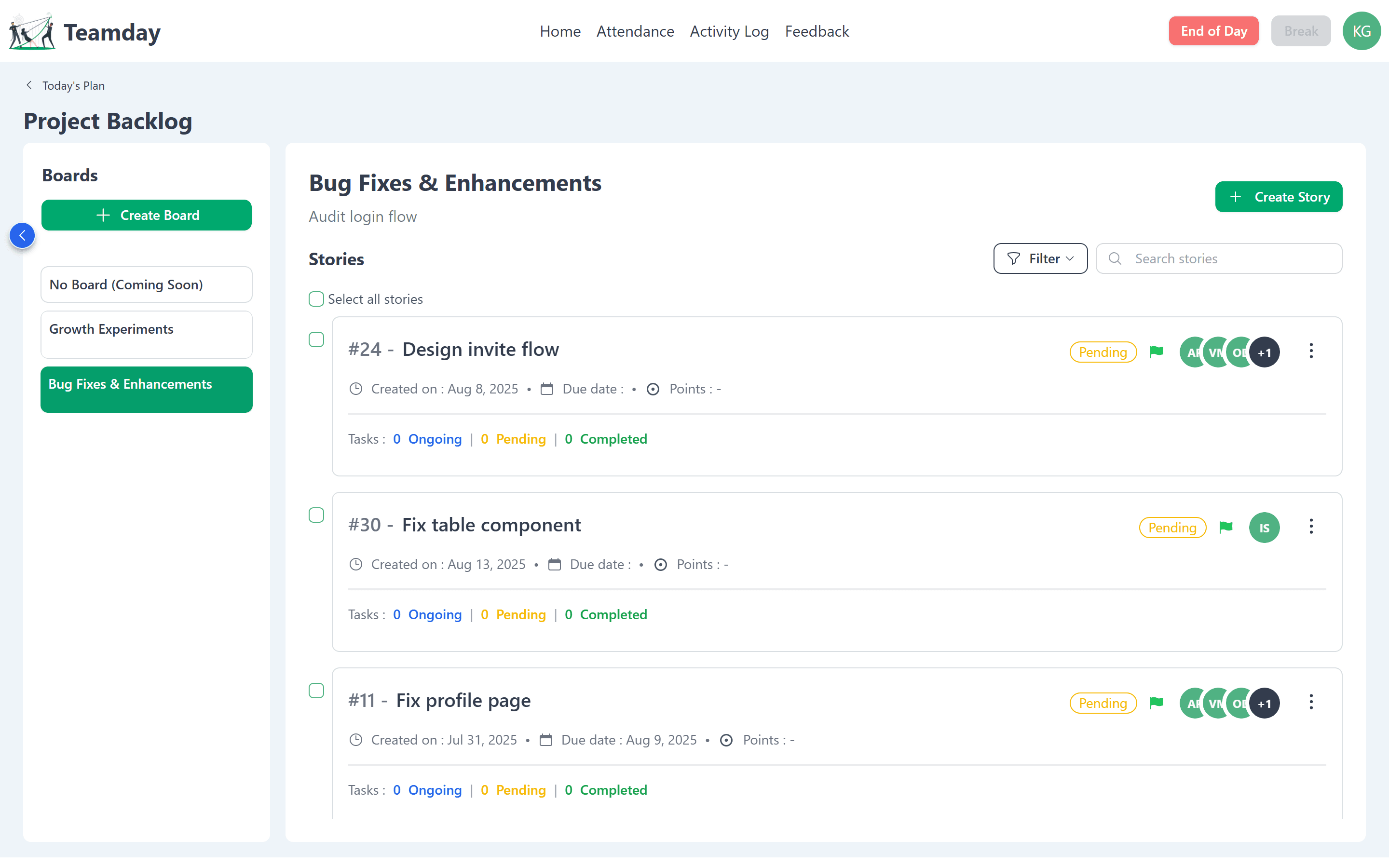
A backlog that stays organised
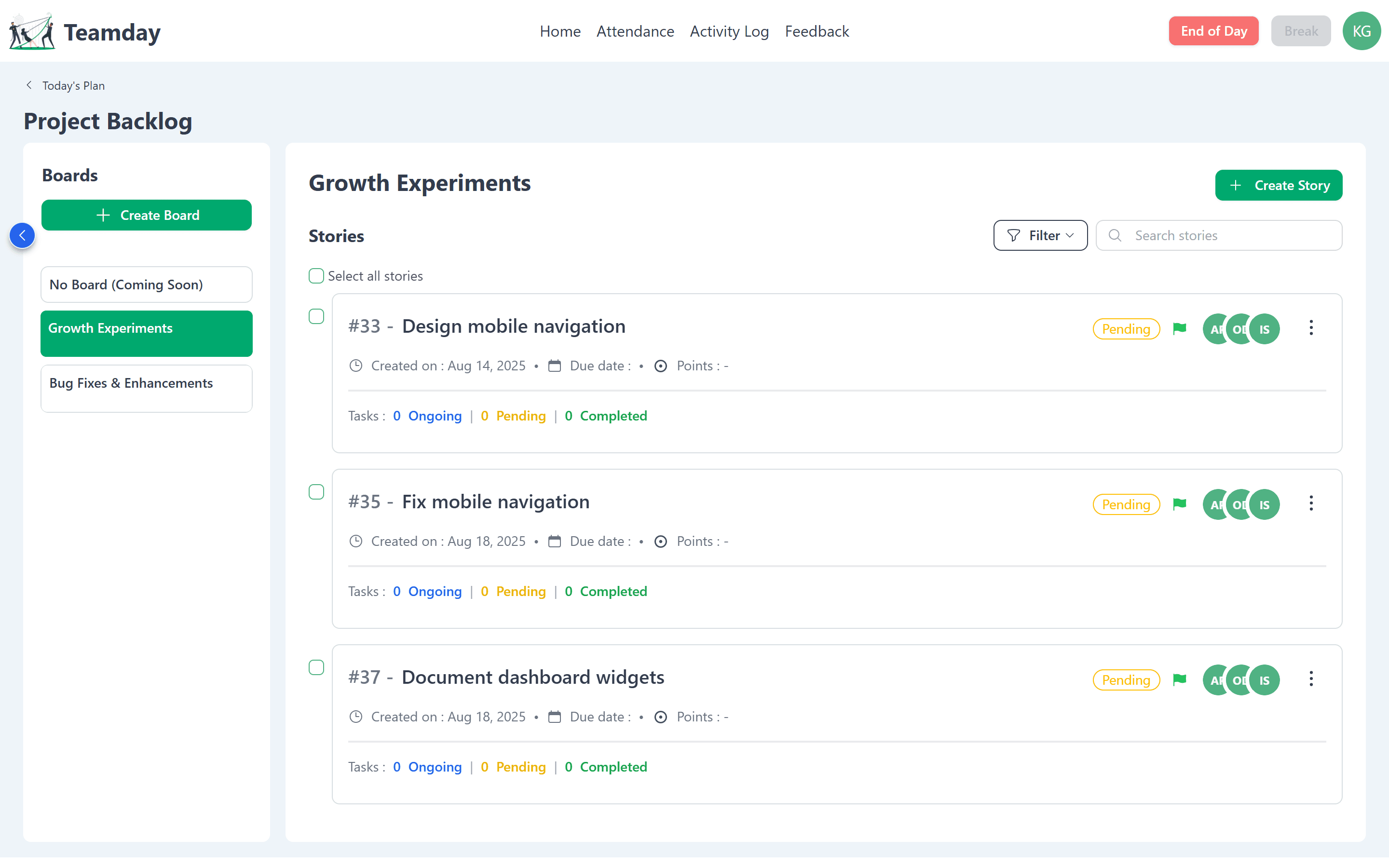
Each project's backlog is split into boards, so experiments, bug fixes and planned work never blur together. Stories show status, priority, points, assignees and live task counts.
- Boards rail with one-click switching
- Story cards with status, priority flag and assignees
- Filter by status and value, or search stories
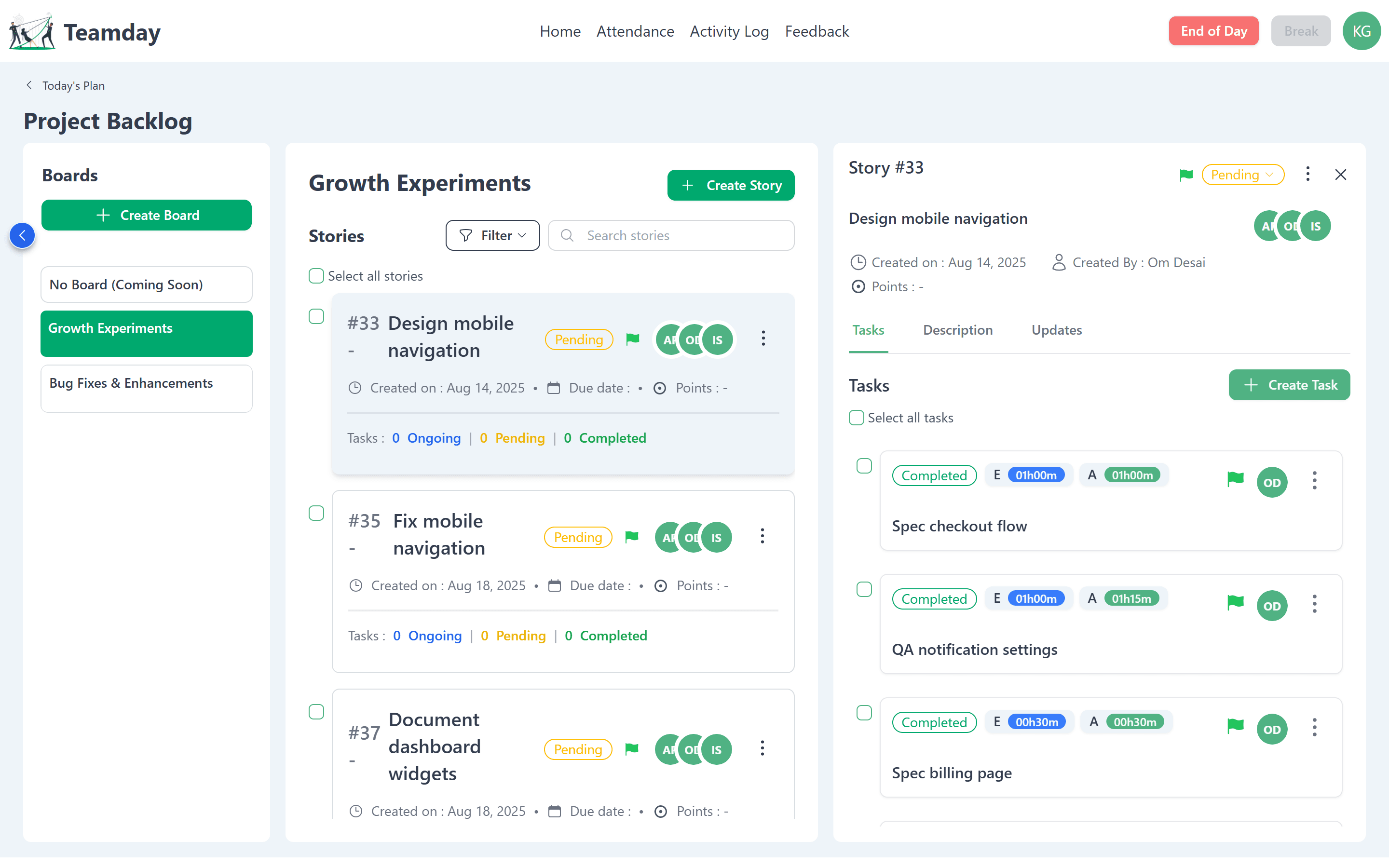
Stories break into tasks
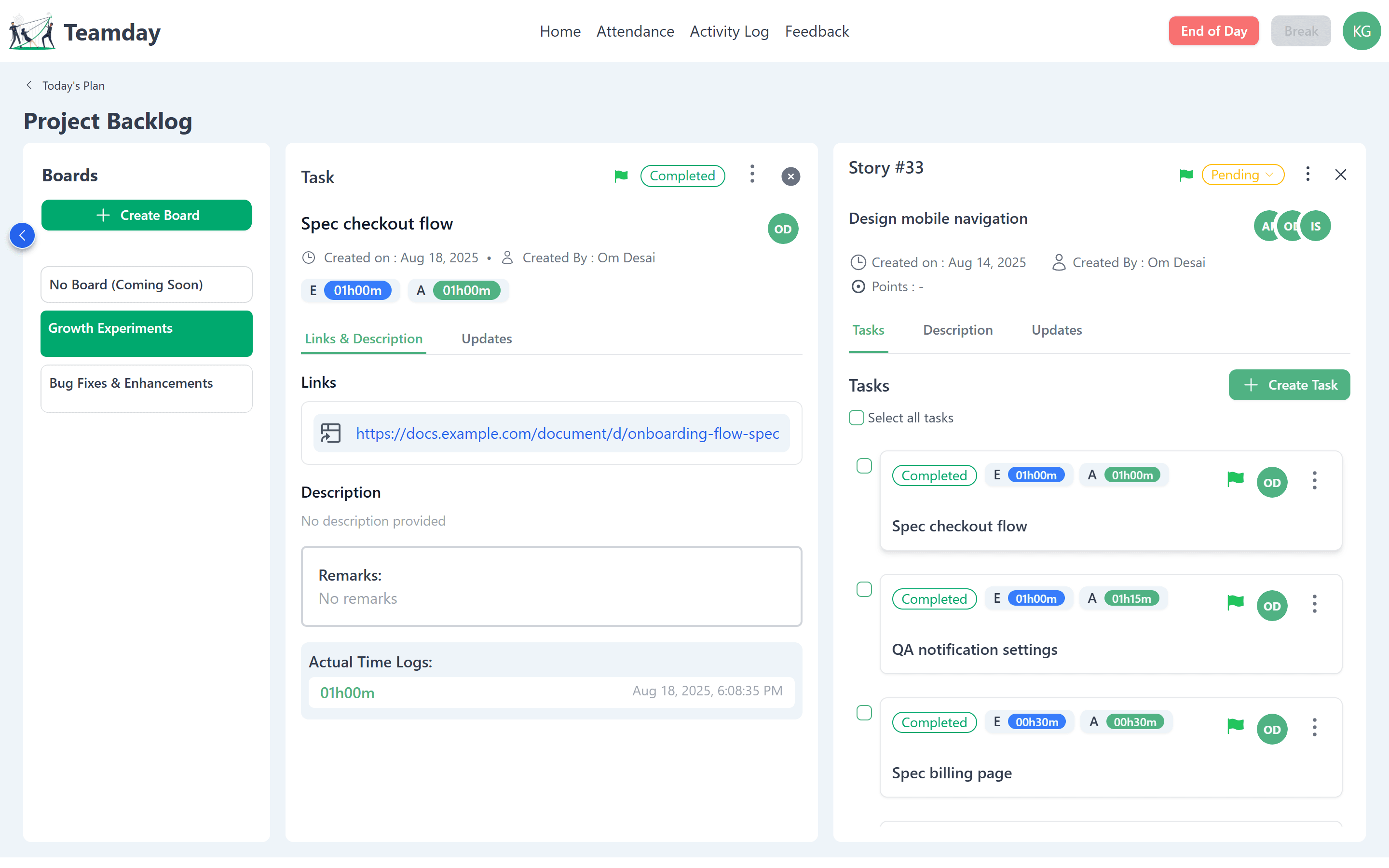
Opening a story slides in a panel instead of leaving the backlog. Its tasks, description and updates sit in tabs, and each task shows its estimate next to the time it really took.
- Slide-in panel keeps the backlog in context
- Tasks, Description and Updates tabs
- Estimate (E) vs actual (A) on every task
Every minute accounted for
Task detail stacks beside its story, with links to the work, remarks and a log of actual time entries — so estimates improve sprint after sprint.
- Links and description for the deliverable
- Remarks for context and hand-offs
- Actual time logs with timestamps
Plans for team leads
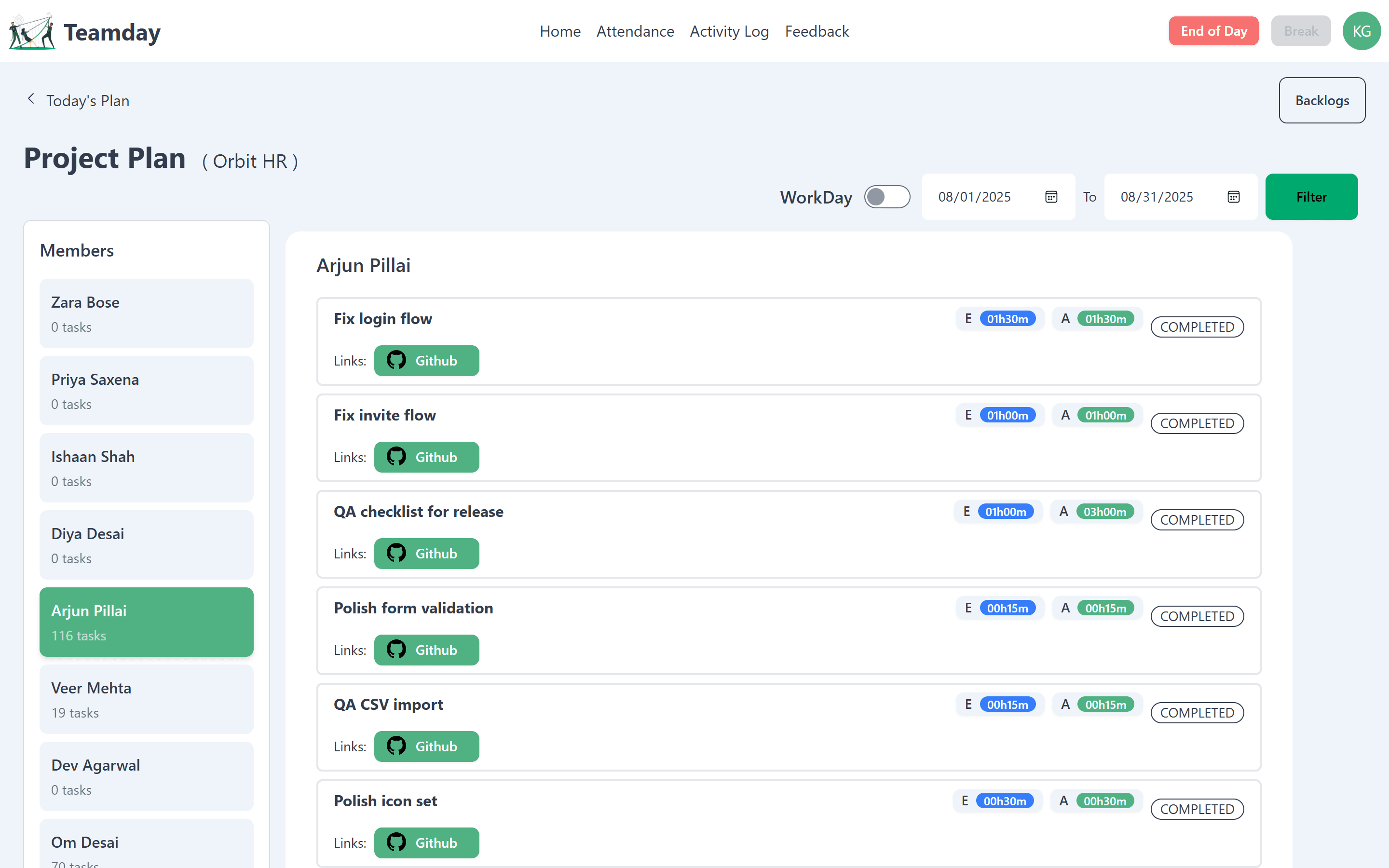
Project Plan shows what each member worked on across a date range, with estimates, actuals, status and linked work — the sprint review without the meeting.
- Members rail with task counts
- Date-range filter and WorkDay toggle
- Linked GitHub work on each task
Status in Microsoft Teams
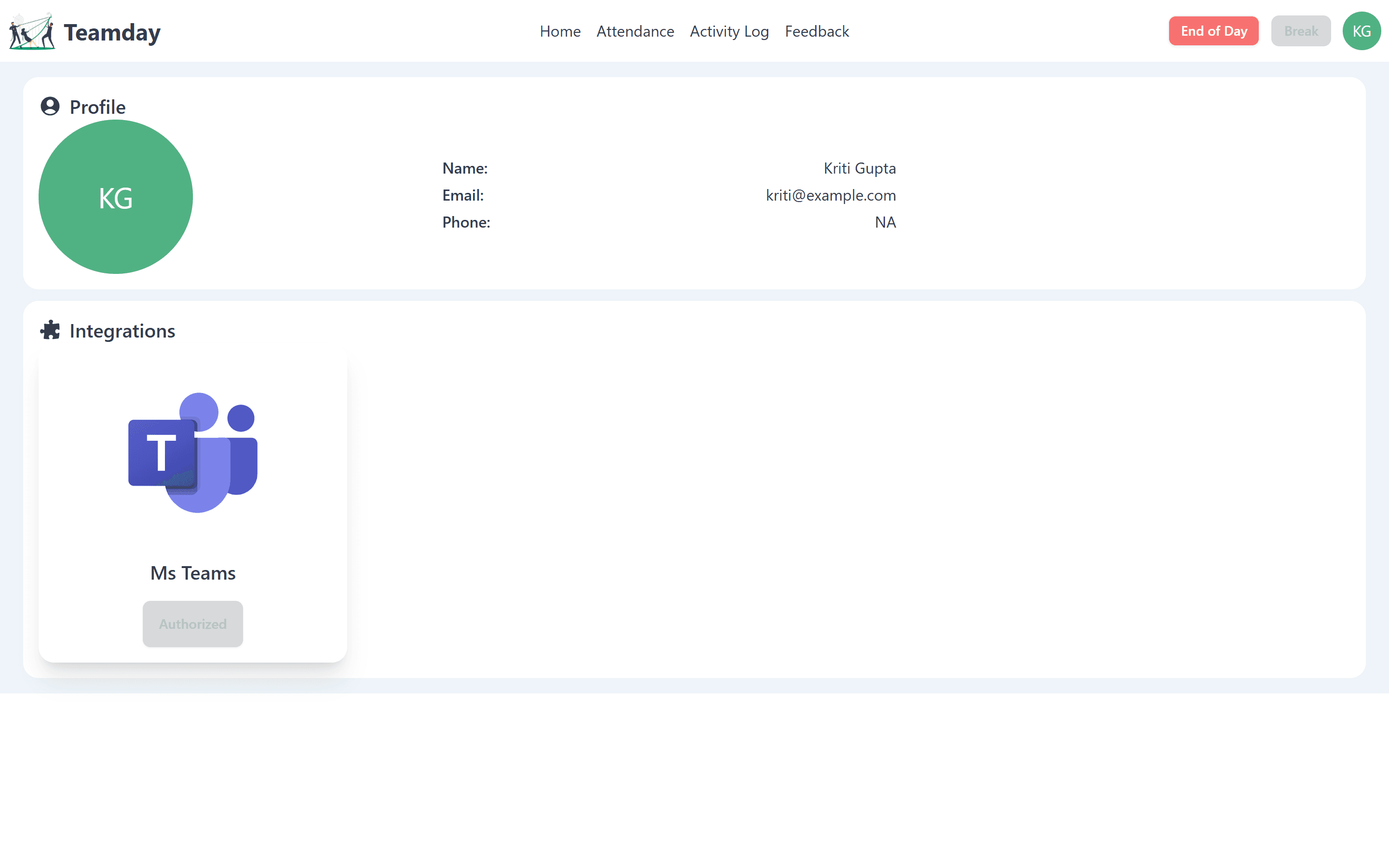
Once authorised from the profile, TeamDay sends alerts and updates to Microsoft Teams, so the team stays informed where they already talk.
- One-time authorisation from the profile
- Alerts delivered where the team already talks
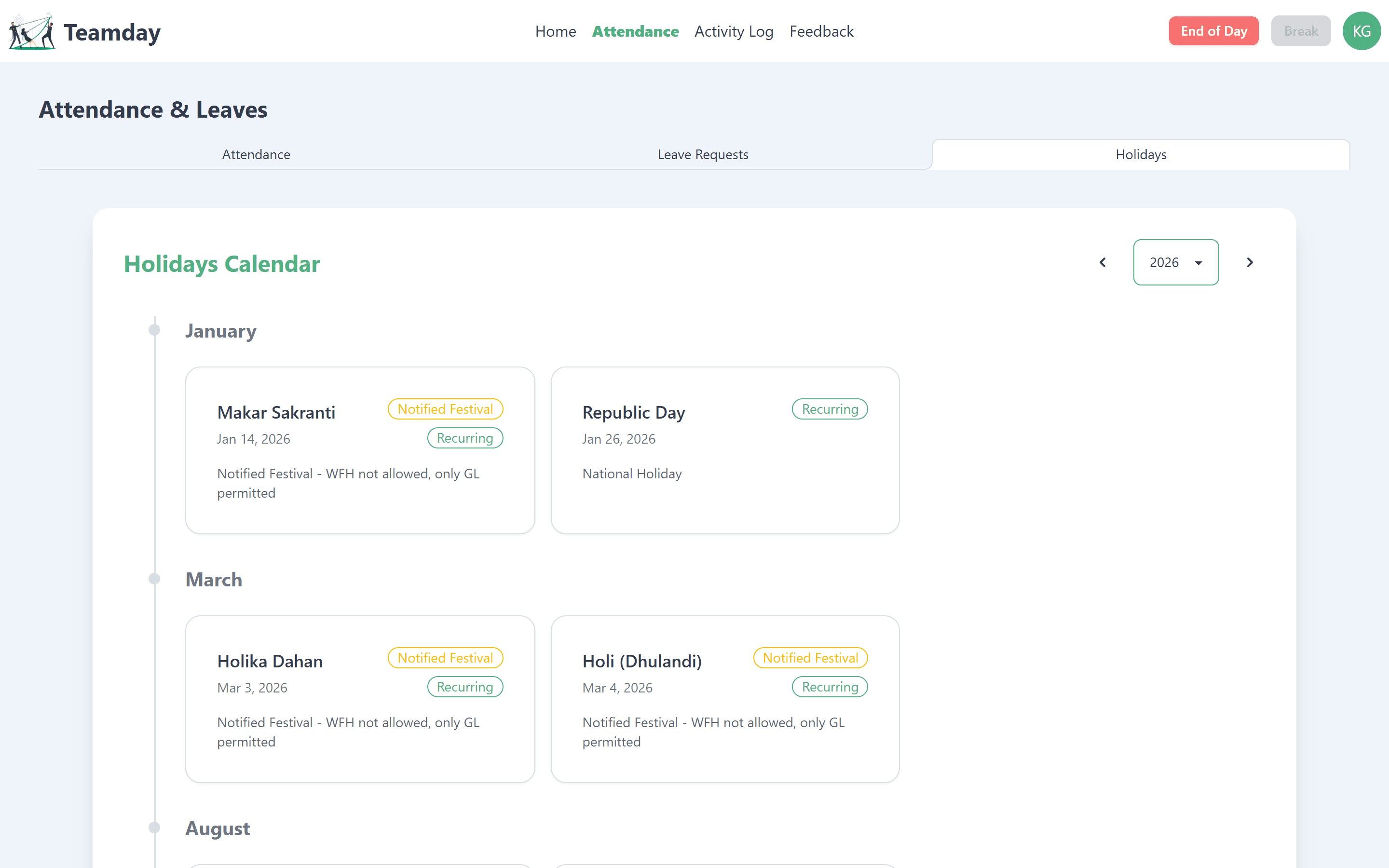
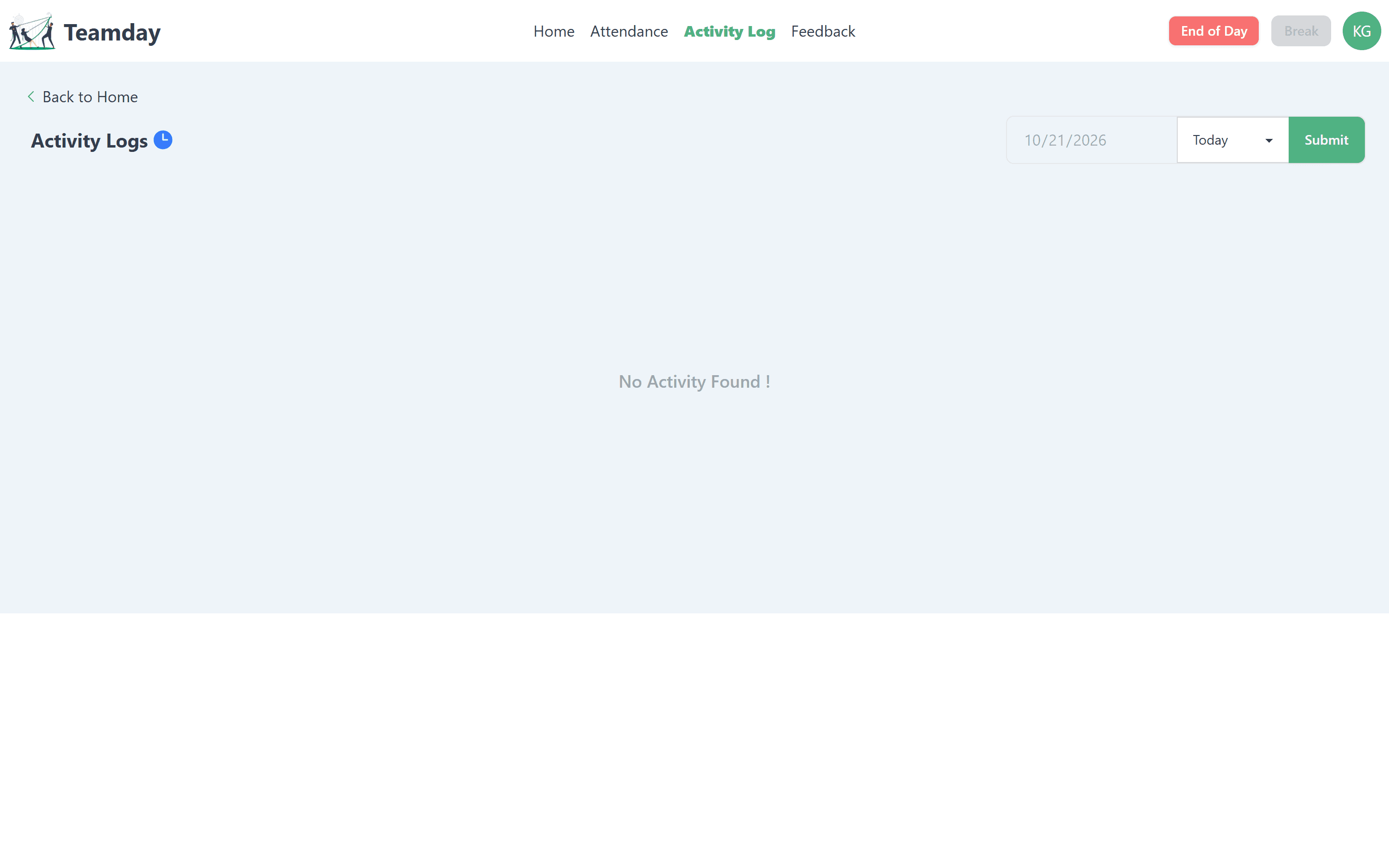
- Activity log for a record of the day
How the design evolved
Concept to Product
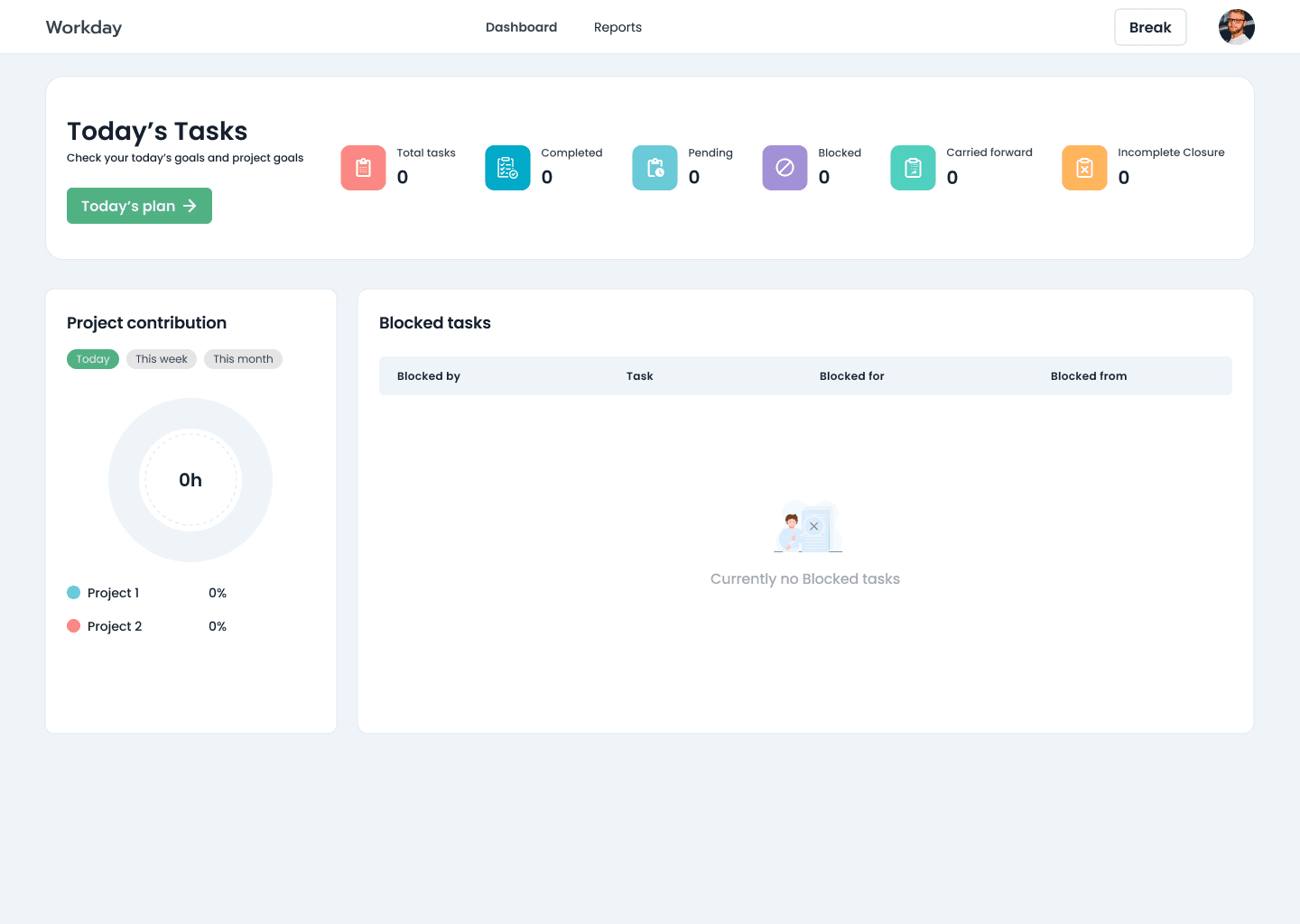
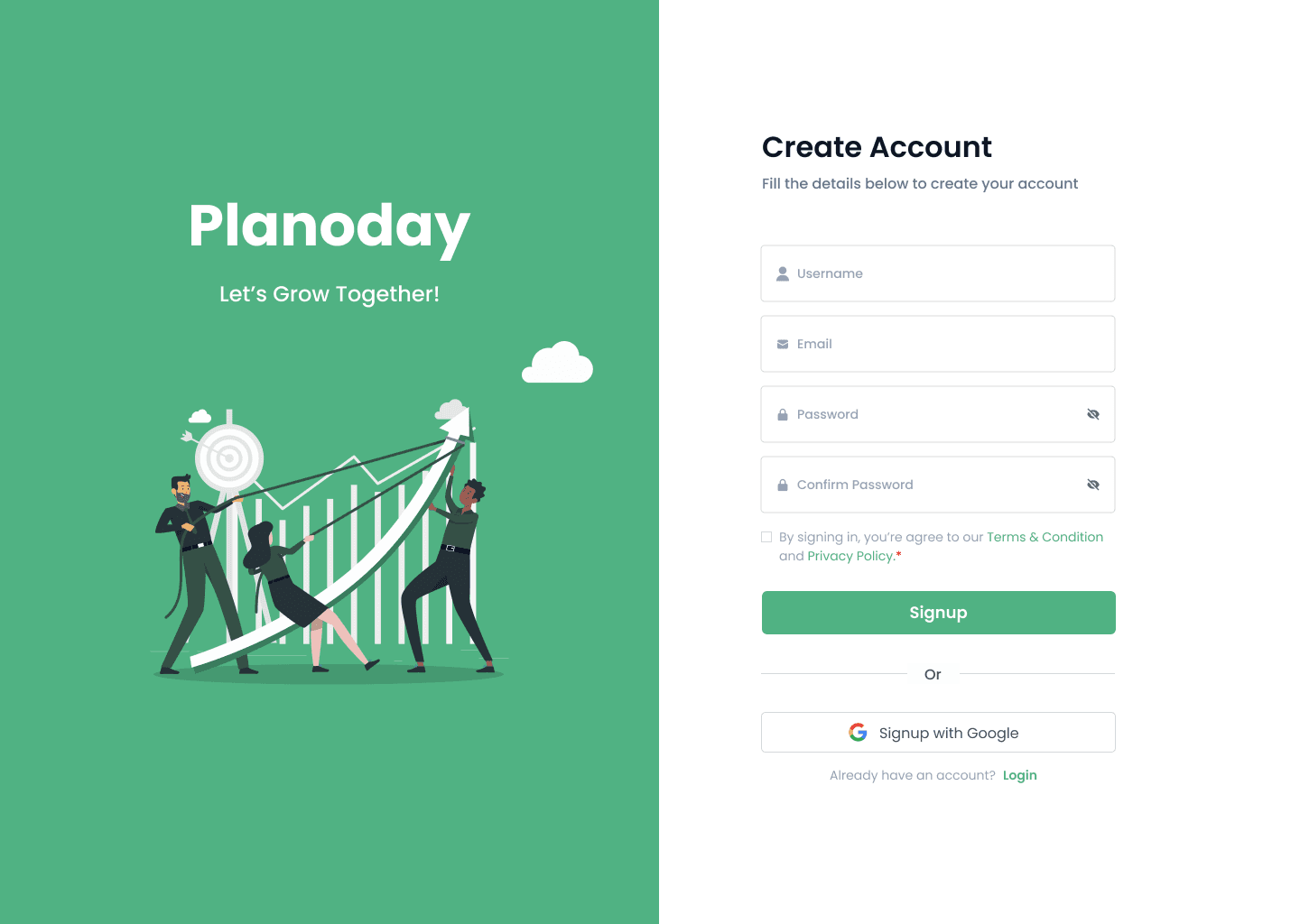
Early concepts — designed while the product was still called Workday and Planoday — explored a status-tile dashboard and a written end-of-day report. They evolved into the shipped product: a project-first plan with time stats, and check-ins built from the work itself.
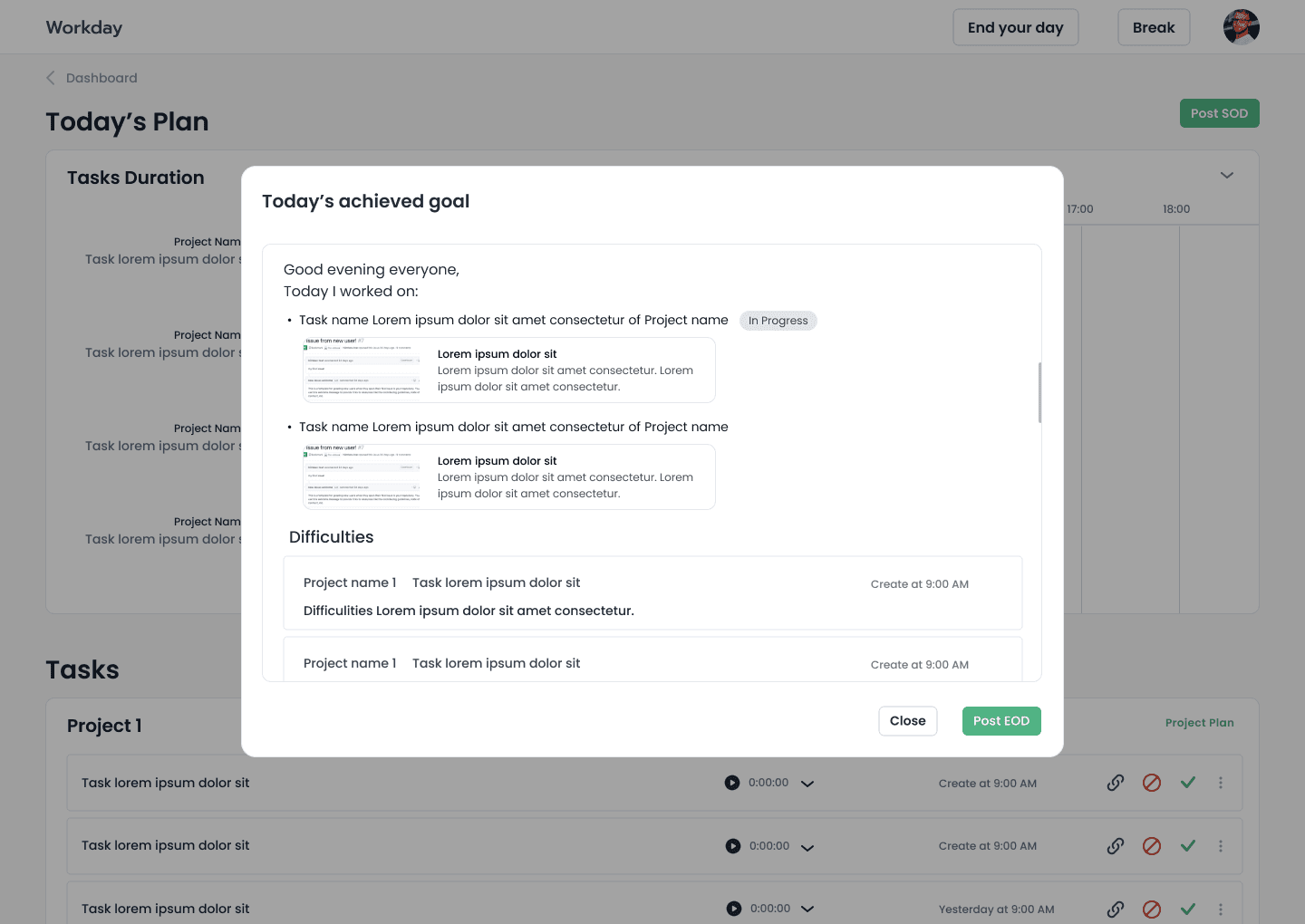
The end-of-day report
The concept assembled the day's achieved goals and difficulties into one message, ready to post. In the product this became the End of Day action, always one click away in the top bar.
Visual language
Design System
Colour
- Teamday green#50B283
- Action#00A96E
- Estimate blue#377CFB
- End of Day#F87171
- Pending#FFBE00
- Ink#333C4D
Type
Geometric sans → system sans
Rounded geometric type in the concepts; a fast system stack in the shipped app.
Design Takeaways
The best workday tool is the one people forget they're using — it should collect the status updates for you.