
I'm Kriti,
Product Designer

About Me
Designing with purpose & passion
I'm a Product Designer at Wisflux Techlabs in Jaipur, designing end-to-end digital products across enterprise, HRM, project management, and education software.
I started as a UI/UX Designer and grew into owning product discovery, research, requirements, interaction and visual design, and developer handoff — and I prototype in code with React and Next.js.
Jan 2023 — Present
Product Designer
Wisflux Techlabs
Progressed from UI/UX Designer to Product Designer, owning discovery, UX research, requirements, interaction and visual design, prototyping, and delivery for enterprise, HRM, and education products.
Jun — Aug 2022
Graphic Designer & UI/UX Designer
Pie-Gamers, Jaipur
Designed and helped build the concept and mobile UI of a game project, plus social media posts and supporting visual content.
Education · 2023
Bachelor of Computer Applications (BCA)
The ICFAI University, Jaipur
Selected Work
Featured Projects
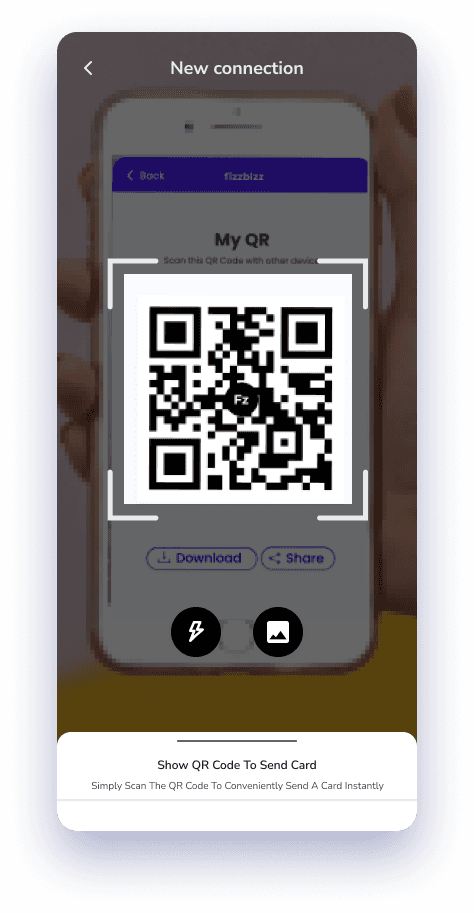
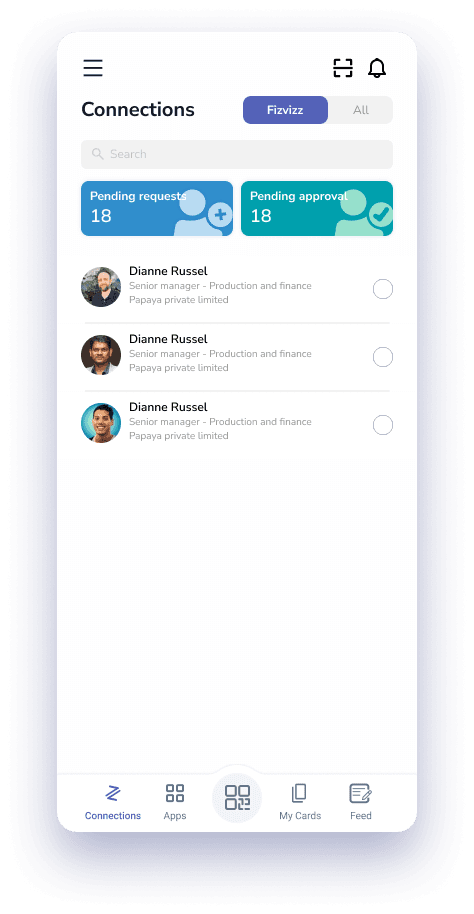
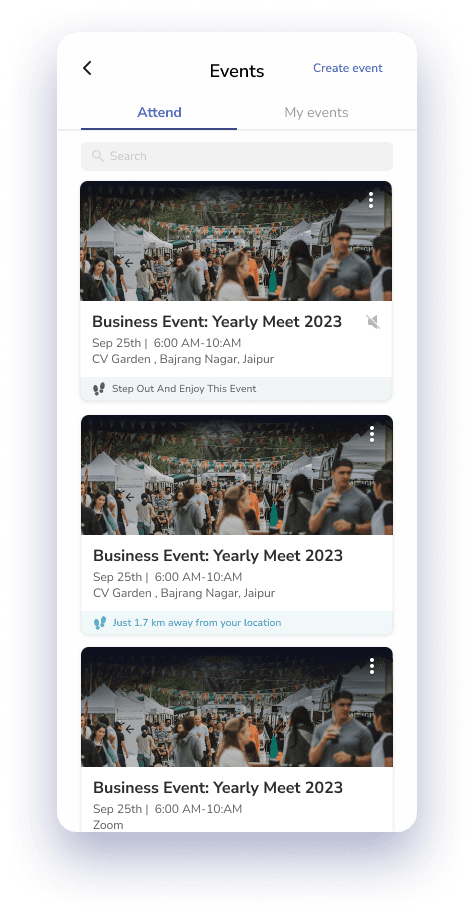
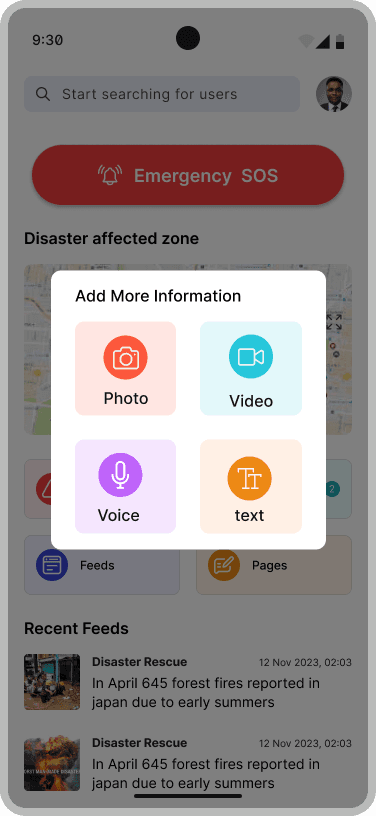
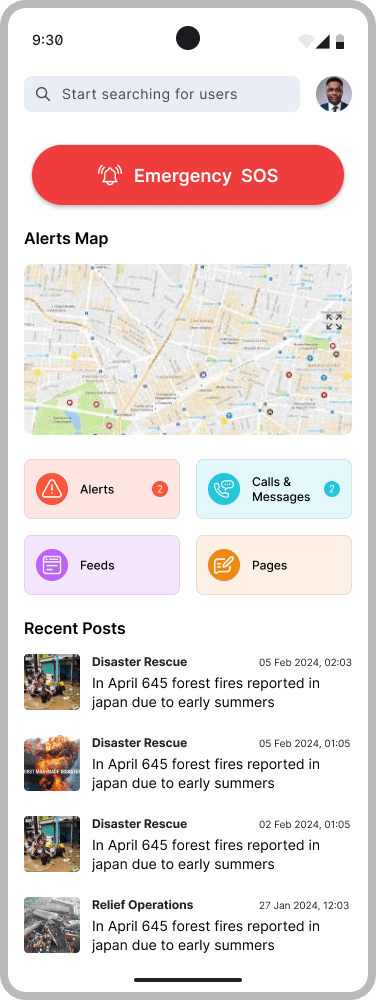
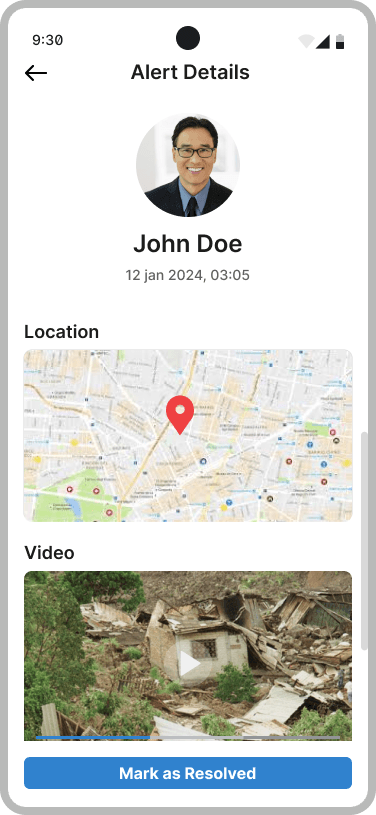
Product work across networking, ERP, HRM, education, and disaster-communication platforms.
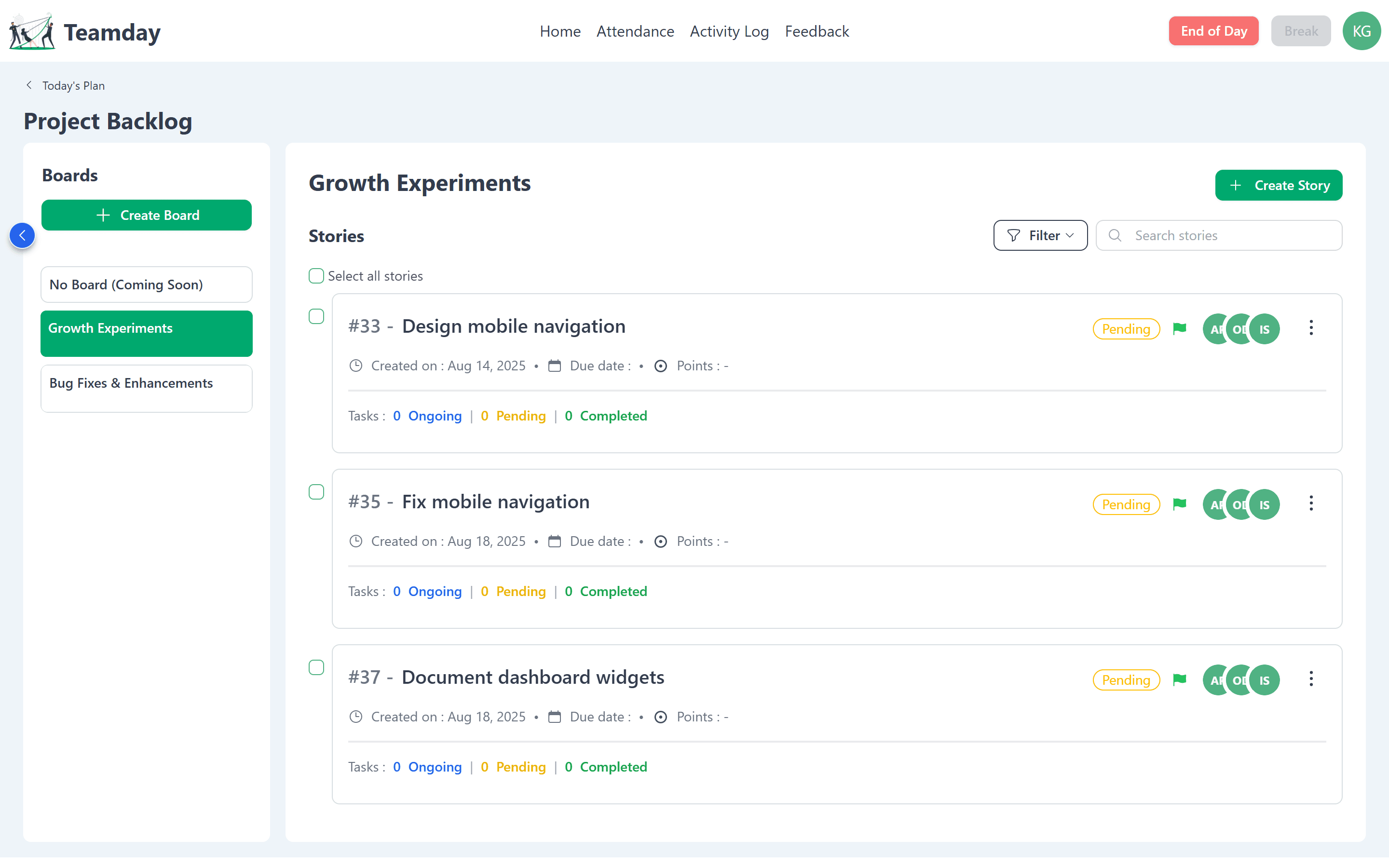
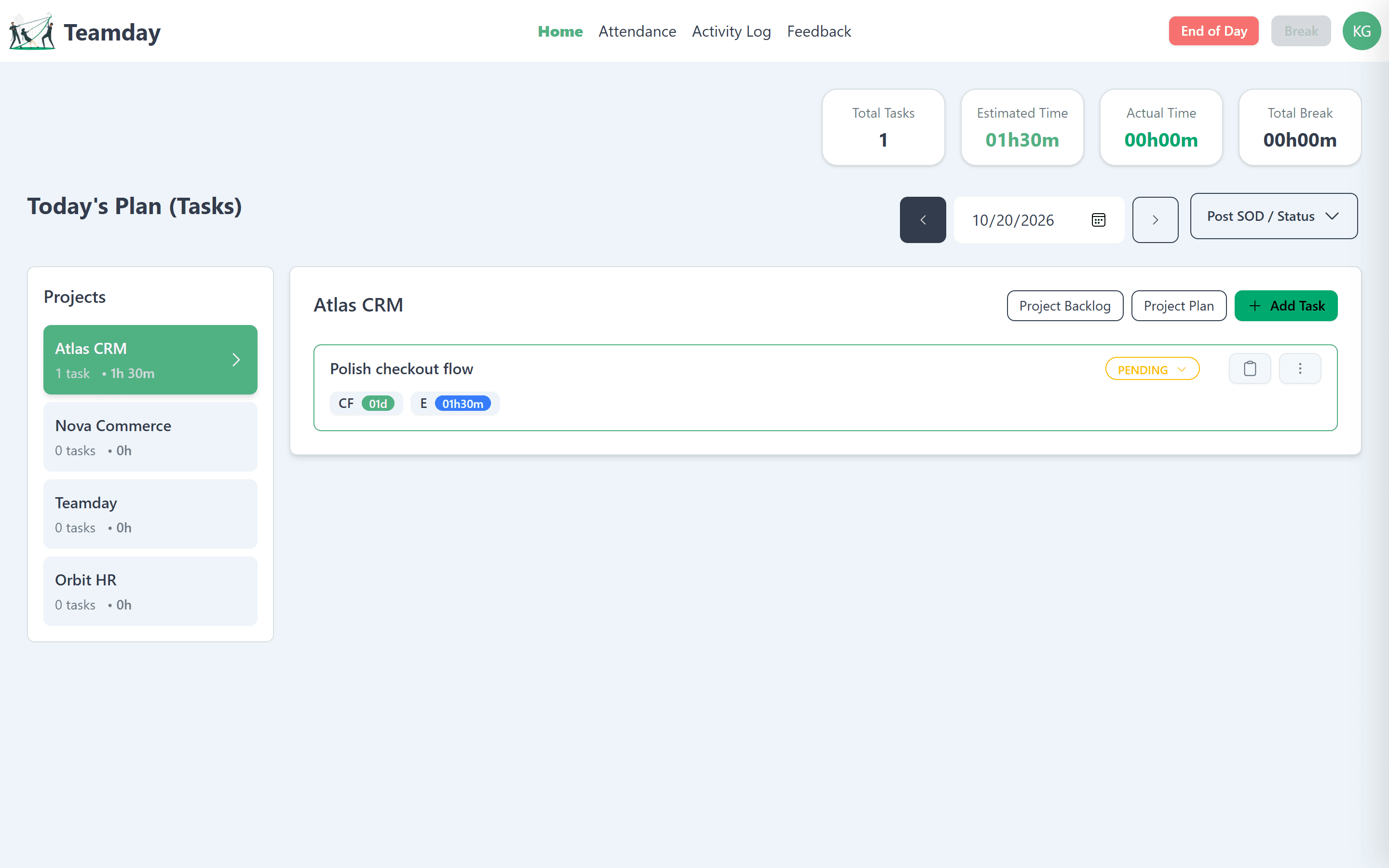
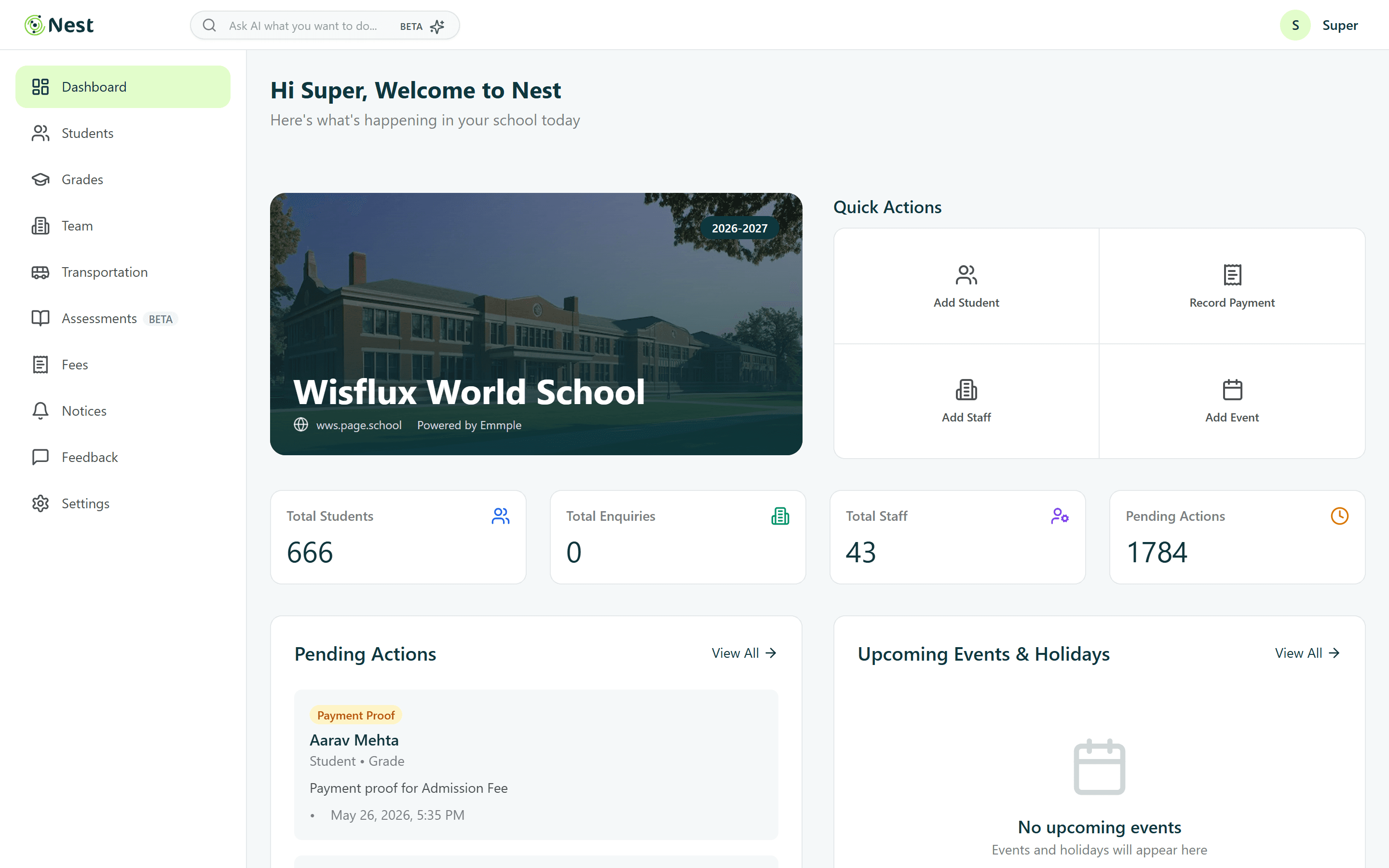
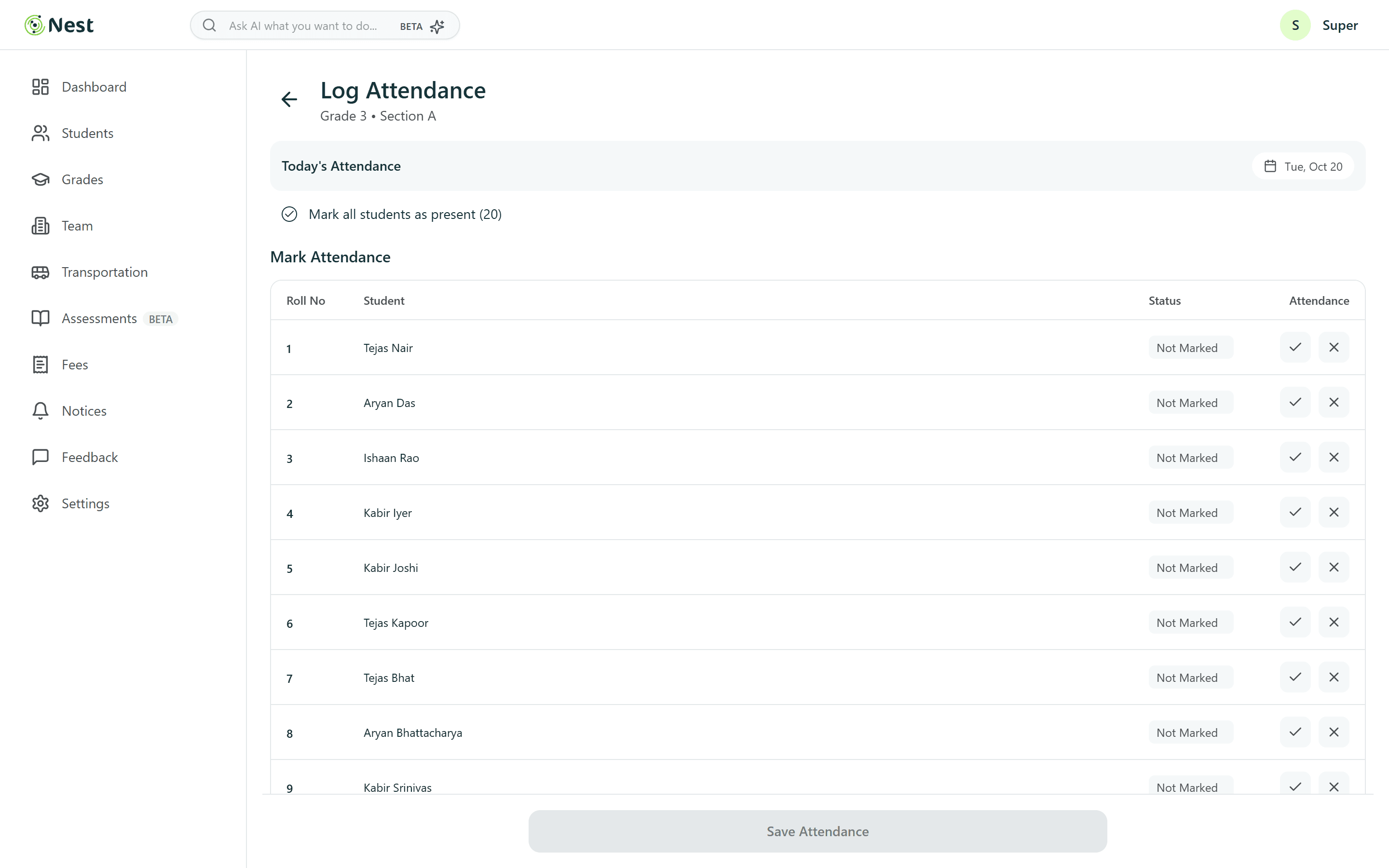
AI Workflow
Supercharged with AI
I design first, then brief Claude Code to build it. Six repeatable steps take a screen from a Figma frame to a live, responsive build. Scroll to watch one card get made.
- ›Build this Figma frame as a responsive component. Tokens only, no hard-coded colors.
- ›Match the 8pt spacing from the spec and stack to one column under 768px.
- ›Add hover, focus-visible and disabled states.
- ›Screenshot 375, 768 and 1440 in light and dark. List anything that overflows.
- ›Make the card keyboard-accessible and check contrast in both themes.
- ›Respect prefers-reduced-motion: no transitions, instant swaps.
- ›Tighten the heading rhythm to match the Figma type scale.
- ›Keep the hairline dividers at 1px on every screen density.
01Figma
Design
Research, flows and high-fidelity screens in Figma. Every state, spacing value and token is decided here, before any code exists.
02Prompt & spec
Brief
I turn the frame into a precise brief: layout, states, tokens, breakpoints and constraints. A clear spec is what makes the output usable.
03Claude Code
Build
Claude Code writes production components in the real codebase, wired to the design tokens. Cursor, Google Stitch, Claude Design and Antigravity IDE join where they fit.
04Real browser
Verify
Every change is checked in a real browser at phone, tablet and desktop widths, in light and dark themes, with screenshots compared against the design.
05Details & a11y
Refine
I iterate on what the screenshots reveal: spacing, type rhythm, focus states, contrast and reduced motion, until it matches the design.
06Git & deploy
Ship
Commit, push, deploy. This portfolio and every case study in it shipped through these same six steps.
Toolkit
Skills & Tools
- Product Thinking
- End-to-End Product Design
- Product Discovery
- Product Strategy
- Problem Solving
- Design Thinking
- Requirements Gathering
Get In Touch
Let's Create Together
Have a project in mind or just want to chat about design? I'd love to hear from you.